

Blooket is a popular educational platform for students to learn things more interactively. This platform allows students and teachers to play games and answer questions.
If you are new to Blooket then this article will teach you the basic ins and outs. After reading this article you can play Blooket like a pro
How to Play Blooket Game?
Whether you are a student or teacher you can create your own Blooket game. The steps are very simple:
How to Create and Play Your Own Blooket Game?
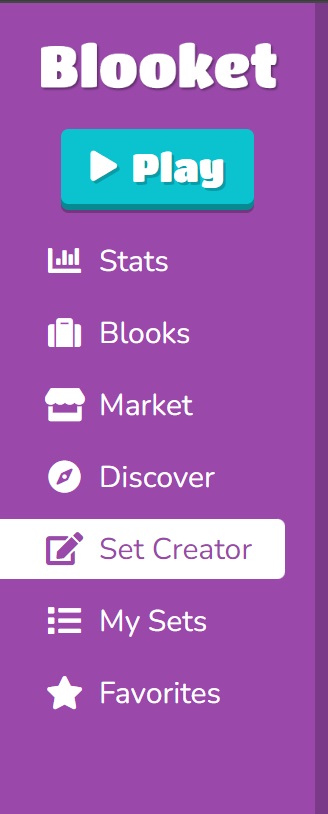
Step 1: Go to Set Creator
Log in to your Blooket account and click on “Create” or “Set Creator” from the dashboard.
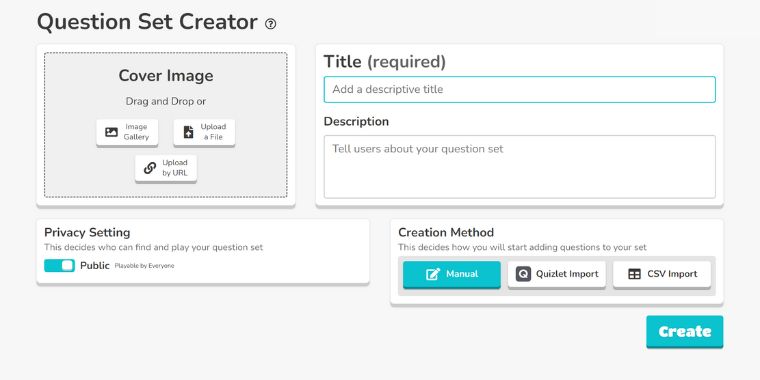
Step 2. Add a Title
Enter a title for your game set, for example, “Science Facts.”
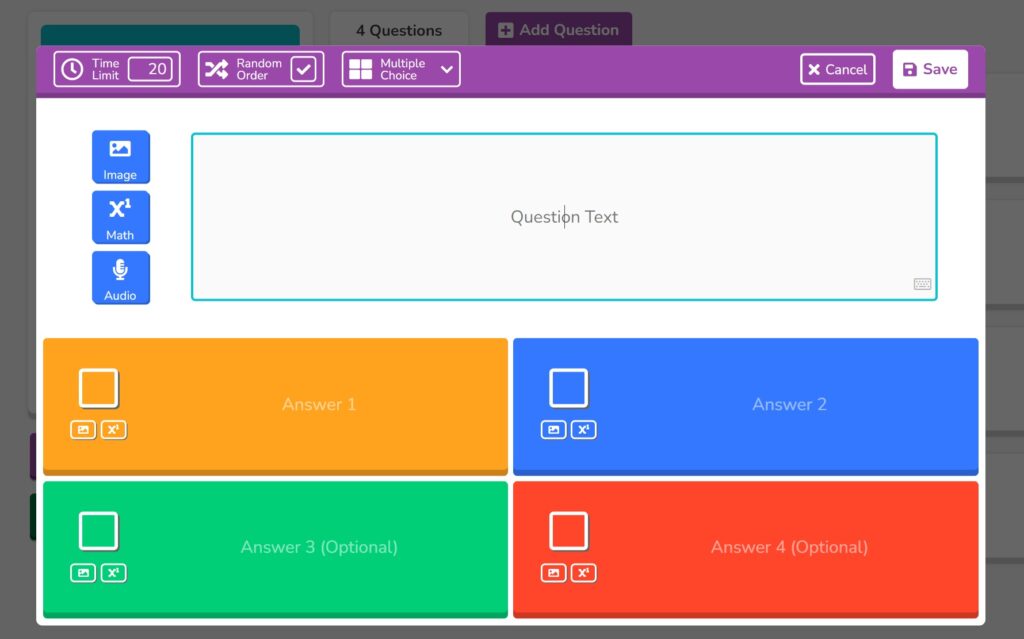
Step 3. Add Questions
- Click on the “Add Question” button. You can either:
- Use pre-made questions from the question bank
- Create your own custom questions, or
Step 4. Add Correct Answers
For each question, select or mark the correct answer.
Step 5. Add Media (Optional)
You can enhance your questions by adding:
- Mathematical symbols
- Images
- Audio
Step 6. Save your game set and click on the host button to start playing it.
How To Play Pre-Made Blooket Games?
Creating your own game requires time and knowledge. If don’t want to create a new one then there are plenty of pre-made games that you can pick.
Here’s what you can do:
Step 1. Use the Discover Feature
Use Blooket’s Discover function to find pre-made games related to your topic.
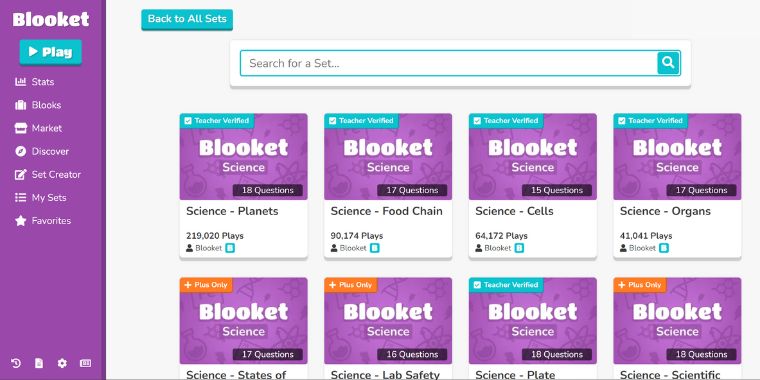
Step 2. Choose a Verified Set
Here you can find Teacher’s Varified along with categories and popular picks. This makes it easy to find a game that suits your class.
You can filter by:
- Teacher Verified sets
- Categories
- Popular picks
Step 3. Host the Game
Once you’ve found a game you can host it on any of the pre-made game modes.
select a set:
- Click Host
- Choose a game mode
- Start the session
No Need To Share Screen
To play the game students don’t need to share screens. Each game is played on separate decide. Each student participates individually, sees questions, and gets results that are later displayed on Blooket Dashboard.
Sharing the Game with Students
To get your students to join the game, follow these steps:
- Click on the “Copy Link” provided by Blooket.
- Paste the link into any chat box platform you use. Your students will click on the link to join the game.
- Students will need to enter their names and can choose a character. Once everyone is ready, it’s game on!
Want To Enhance Blooket Fun?
If you are looking for more fun then try using Blooket Hacks. These are free codes that you use to quickly learn the game mechanics. You can get the hacks easily but use them with caution.
Important Note About Blooket Hacks
Some websites promote “Blooket hacks” or cheat codes. Using hacks can violate Blooket’s terms of service and may result in account suspension.
For the best experience, play fairly and use Blooket as intended for learning and fun.